Pick a file
Open a PDF or image from Files, Photos, the document scanner, or the iOS share sheet.
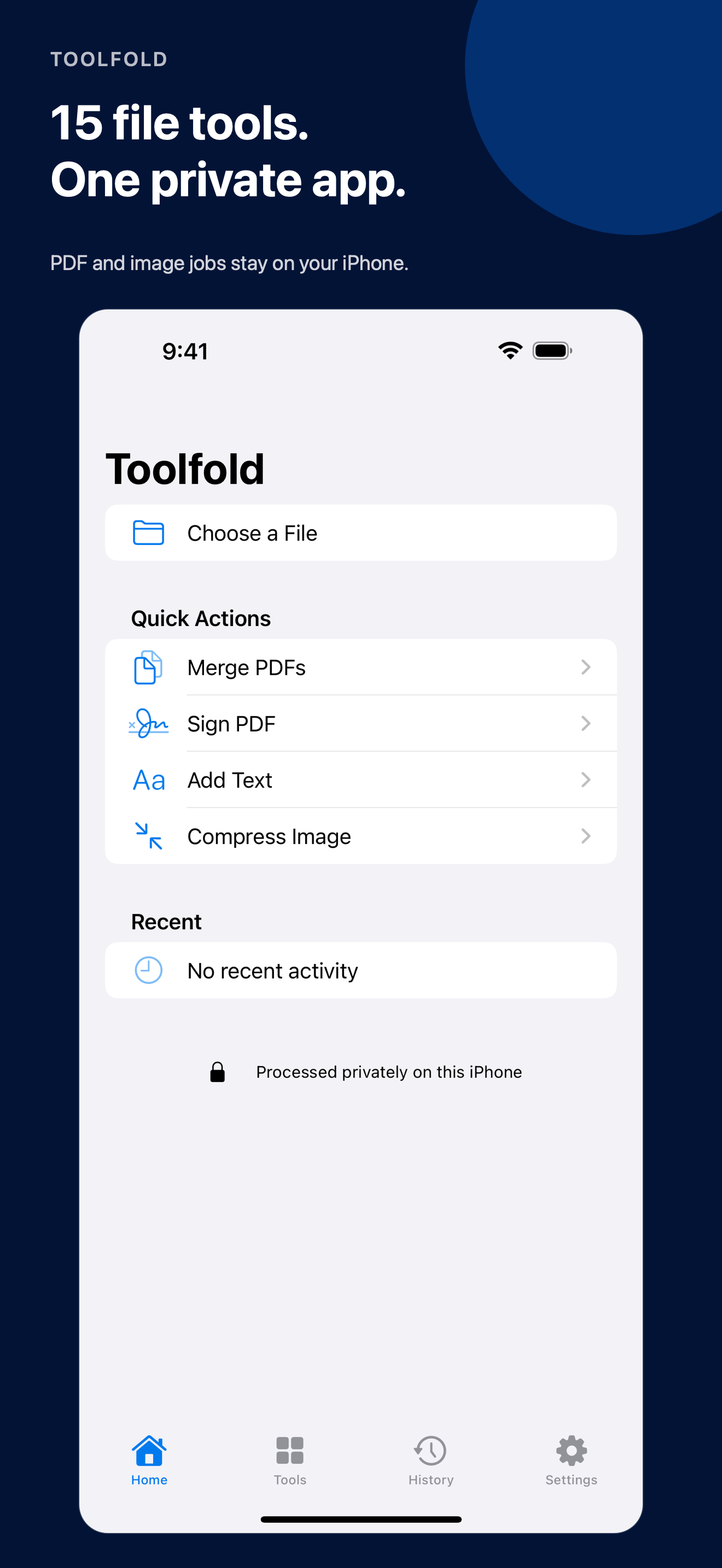
15 PDF & image tools in one private app
Merge, scan, compress, sign, organize, convert, resize, and remove photo metadata — right on your iPhone, without an account or cloud upload.
How it works
Every tool follows the same short path, so the app gets out of your way.
Open a PDF or image from Files, Photos, the document scanner, or the iOS share sheet.
Set compression, page order, format, crop, signature, watermark, or another focused option.
Save the finished file wherever you choose. Toolfold never overwrites your original.
Everything you actually need
No subscriptions to five different utilities. No web upload forms.
Just the job in front of you.
Private by design
Supported processing happens on your device. Toolfold does not operate a server that receives your documents, photos, signatures, or finished files.
Read the Privacy PolicyQuestions, answered
No. Supported processing happens on your iPhone. Toolfold does not run a server that receives your documents, photos, signatures, or processed files.
No. Every result is exported as a new file to a location you choose.
Toolfold places a visual mark on a PDF. It is not a certificate-based digital signature and does not provide identity verification or an audit trail.
No account is required. Toolfold’s launch version is free.

Keep a private PDF and image toolbox on your iPhone.
iPhone · iOS 18 or later